
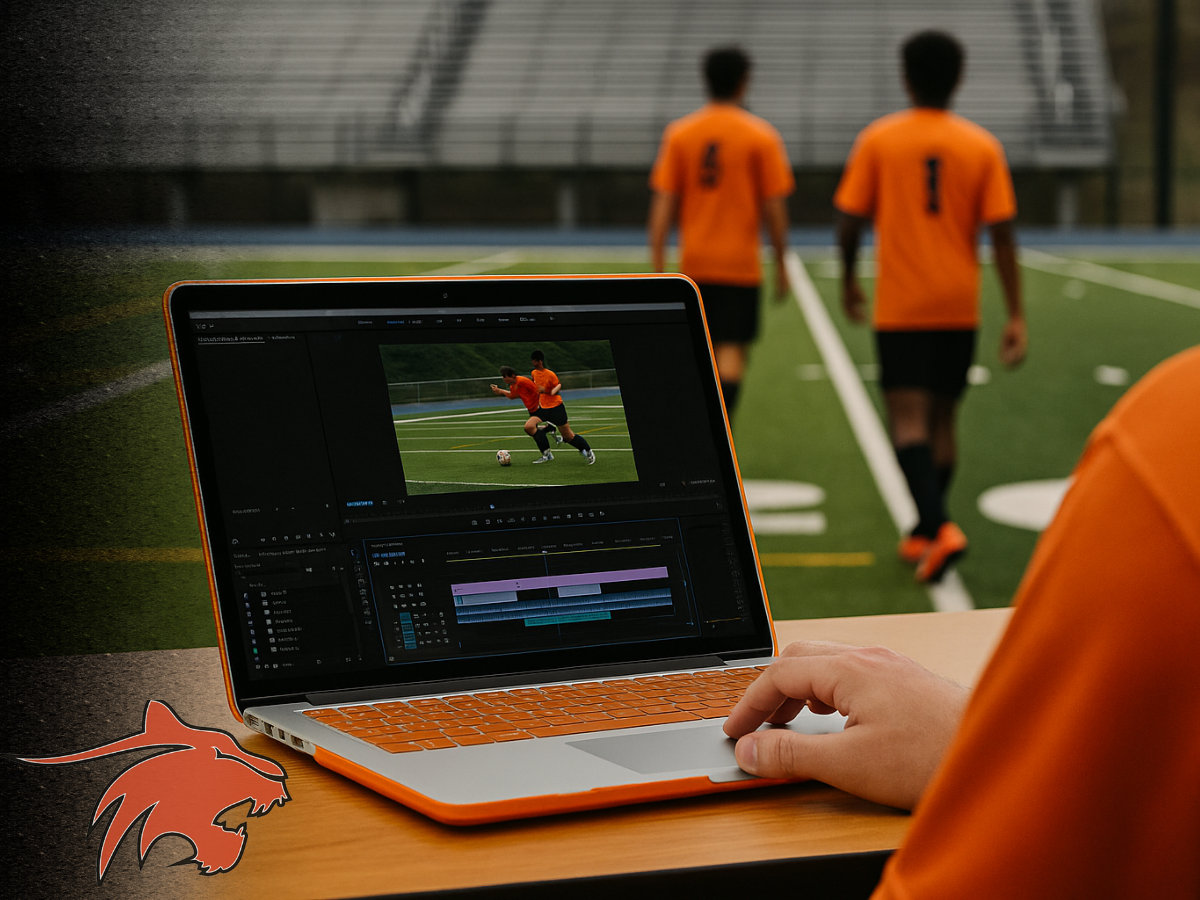
When it comes to college recruitment, your soccer highlight video can open doors. It’s your digital first impression—often the first thing a coach sees before ever contacting you. Done right, a highlight video shows your skill, soccer IQ, and potential. Done wrong, it might get closed out in 30 seconds. Here’s how to get it right.
Why a Soccer Highlight Video Matters
Many college coaches don’t have the time or budget to attend every high school or club game. A strong soccer highlight video gives them a quick yet comprehensive look at your playing style, strengths, and decision-making. This is especially important if you’re reaching out to schools beyond your region or attending ID camps where exposure is limited.
As noted in our College Soccer Recruiting Guide, sending video is one of the top ways to boost your chances of being scouted—especially when paired with a well-written email and player profile.
Step 1: Get the Right Footage
Recording full games is key. Here are some tips:
- Use a tripod to avoid shaky footage.
- Elevate the camera—bleachers or press boxes work best.
- Frame the full field view when possible; don’t zoom in too tight.
- Follow the action and keep the ball and key players in frame.
If you’re unsure how to start, you can view tutorials on YouTube, including channels like 7mlc and Become Elite for great examples.
Step 2: Choose the Right Clips
Coaches want to see more than just goals and flashy moves. Your soccer highlight video should show:
- First touch and passing under pressure
- Smart movement off the ball
- Game intelligence and positioning
- 1v1 defensive ability
- Transition play—both attacking and recovering
Use 10–20 clips that show consistent skill and decision-making. Lead with your strongest plays—don’t save them for the end. The goal is to grab attention in the first 30 seconds.
Step 3: Edit for Clarity
Your video should be 3–5 minutes long. Keep it simple and coach-friendly:
- Mark yourself clearly in every clip (arrow, circle, or spotlight)
- Remove background music or distractions
- Keep transitions clean and minimal
Free tools like iMovie, CapCut, or YouTube Studio can get the job done. You can also check out Hudl if your team uses it.
Step 4: Upload and Share
Once your soccer highlight video is ready, upload it to YouTube or Vimeo with a searchable title:
[Your Name] – Soccer Highlight Video – Class of 2027 – [Position]
In the video description, include:
- Full name
- Graduation year
- High school & club team
- Position(s)
- GPA & test scores (optional)
- Coach contact info and your email
Make sure the video is publicly viewable or “unlisted” (but not private), and include the link in all recruiting emails. Refer to our blog on How to Follow Up with College Coaches for help writing a strong email.
Step 5: Keep It Updated
You’re growing as a player. Your highlight video should grow with you. Update it each season or after a strong tournament. You might even consider building a playlist of clips by year to show your development over time.
More Support from Latrobe
For more on the recruiting process—including email templates, a timeline by grade, and insights from college coaches—download our College Soccer Recruiting Guide. We also cover how to prepare for College ID Camps and what coaches are looking for in highlight videos.
Final Whistle
Your soccer highlight video is a critical piece of your recruiting puzzle. Make it count by planning ahead, filming smart, and editing clearly. When a coach hits play, give them a reason to keep watching—and a reason to reach out.
Comments